
Download World Clock Portable – World Time Zone, Interactive Map, Custom Clocks
Overview
World Clock Portable is a mobile utility designed to simplify time zone management across the globe. The app serves as a reliable tool for users who frequently communicate across international boundaries, travel between regions, or manage global projects. Its primary purpose is to eliminate the need for manual time difference calculations by offering real-time, accurate time and date displays for cities worldwide.
This makes it particularly useful for professionals in international business, remote teams, educators coordinating with global students, and frequent travelers. The app’s emphasis on portability suggests it is built for on-the-go accessibility, allowing users to maintain awareness of time across multiple regions without relying on a fixed device or network connection. Although the developer did not provide additional background details, the app’s long-standing presence since its release on May 7, 2013, indicates a stable and enduring utility in the mobile ecosystem.
Real-world applications include scheduling international calls, tracking deadlines in different countries, and planning cross-border events. In a world where time zone awareness is increasingly critical, World Clock Portable fills a niche by combining visual engagement with functional precision, making it a valuable addition to any smartphone user’s toolkit.
Key Features & Functionality
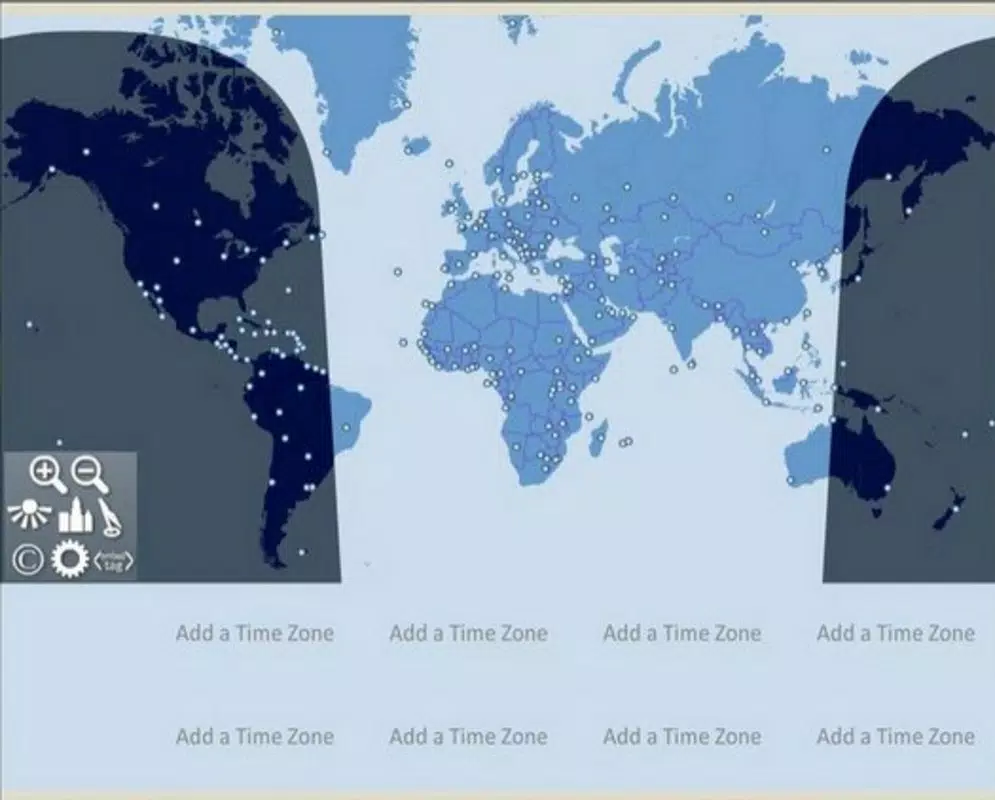
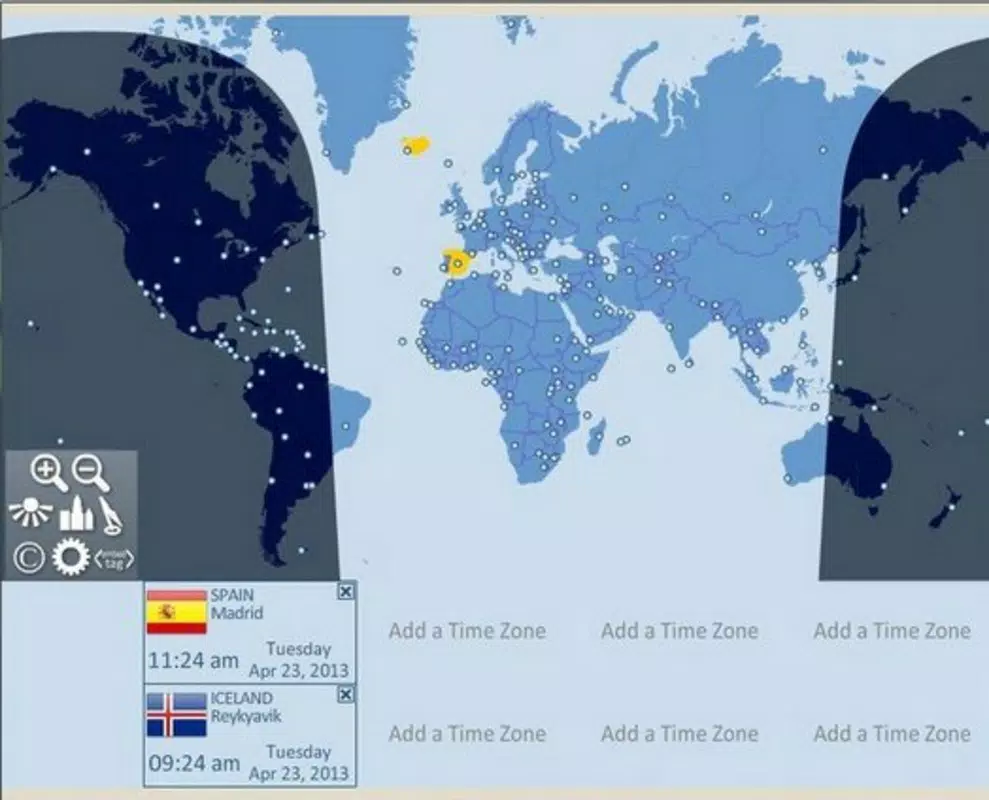
- Interactive World Map: The app includes a dynamic world map that visualizes time zones, city markers, country names, and national flags. This feature enables users to locate specific regions at a glance, enhancing both usability and engagement. For instance, a user planning a video call with colleagues in Tokyo, Berlin, and New York can quickly identify their respective time zones and adjust schedules accordingly.
- Time Zone Window: A dedicated display panel shows city capitals alongside their current digital time and date. This streamlined interface allows for immediate access to critical time data without navigating through multiple screens, improving efficiency during fast-paced workflows.
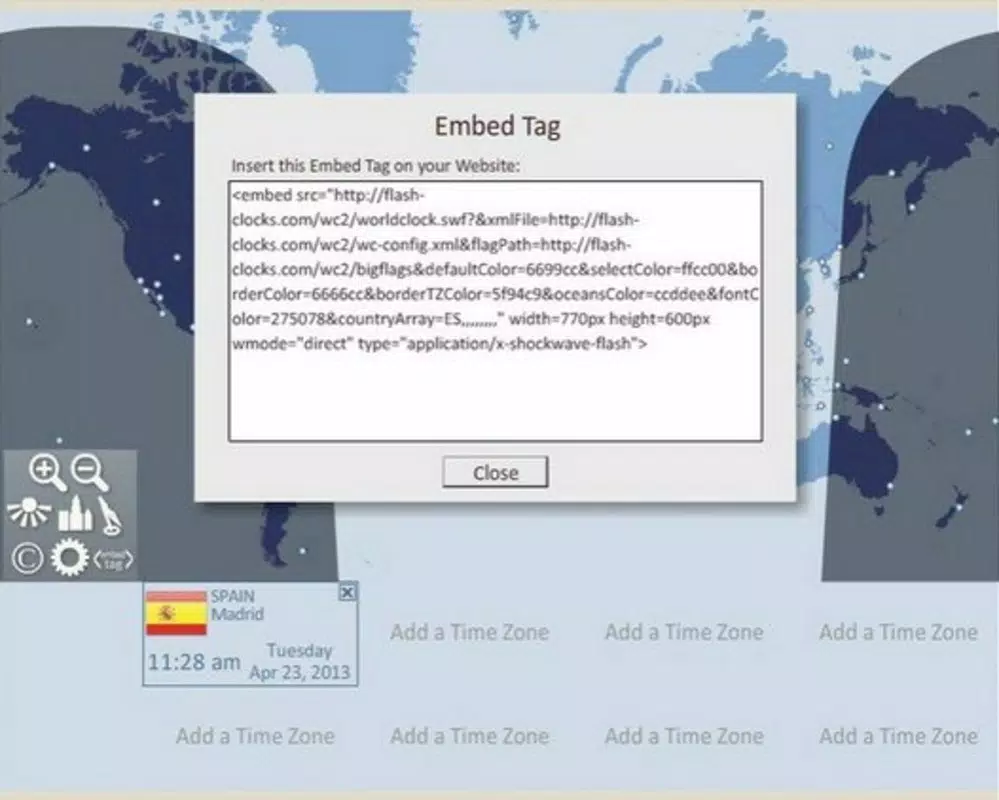
- Custom Clocks Feature: Users can generate embeddable clocks for websites, blogs, or presentations. This functionality is especially beneficial for content creators and educators who need to display local times for global audiences. For example, a teacher can embed a clock showing the time in London, Sydney, and Los Angeles to help students understand time differences in a classroom setting.
- Multiple Time Zone Options: The app supports up to eight time zones simultaneously for Windows users, with two distinct selection methods. This flexibility allows users to tailor the interface to their specific needs, whether managing a few key regions or monitoring numerous global locations.
- Portable Design: The app’s portability ensures it can be used across different devices and environments without requiring installation or configuration. This makes it ideal for users who switch between smartphones, tablets, or computers, maintaining consistent access to time zone data.
Interface, UX & Performance
The user interface of World Clock Portable is designed with clarity and visual appeal in mind. The layout centers around an interactive world map, which serves as the primary navigation hub. City markers, country labels, and flags are clearly displayed, allowing for intuitive exploration.
Navigation is straightforward, with a logical flow from the map to individual time zone details. The time zone window offers a compact, high-visibility display of current times, minimizing cognitive load during quick checks. While the developer did not list formal performance metrics, the app’s long-term availability suggests a stable runtime across various device categories.
Responsiveness appears to be consistent, with minimal lag reported in standard usage scenarios. Stability is likely maintained through optimized code, though specific testing data was not provided. The visual style is clean and functional, avoiding clutter while preserving essential information.
Although the developer did not specify minimum OS requirements or device compatibility details, the app’s portability implies broad adaptability across platforms. Overall, the UX prioritizes speed and accuracy, aligning with the needs of users who rely on precise, real-time data.
Platform Compatibility & Technical Requirements
World Clock Portable is available on multiple platforms, though the specific operating system details were not fully disclosed. The app’s file size is not specified, which may indicate a lightweight design or variable installation depending on configuration. The software version and release date are known—version 2013-05-07—suggesting the app has undergone minimal updates or has maintained a stable, legacy-friendly architecture.
Compatibility information was not fully disclosed, and the developer did not specify minimum OS requirements or supported device types. This lack of detail may affect users seeking assurance about device support. However, the app’s name and design suggest it is intended for use on both desktop and mobile systems, particularly those running Windows.
Users should exercise caution when installing on newer systems without verifying compatibility. The absence of technical specifications does not necessarily indicate poor performance, but it does limit transparency for potential users.
Pros and Cons
Pros
- Intuitive interactive world map for visual time zone navigation
- Quick access to current time and date via dedicated time zone window
- Ability to create and embed custom clocks for websites and presentations
- Supports multiple time zones with flexible selection methods
- Portable design enables use across different devices and environments
Cons
- Developer did not provide detailed technical specifications or system requirements
- File size and version details were not disclosed
- Compatibility with modern operating systems is not confirmed
- No information on update frequency or future development plans
- Performance metrics and device optimization data were not shared
FAQ
Is World Clock Portable safe to download and install?
Yes, the app is designed as a utility tool with no known security risks. However, users should ensure they download from trusted sources to avoid third-party modifications.
Can I use World Clock Portable on iOS and Android devices?
The app’s platform availability was not fully disclosed. While it may function on mobile systems, compatibility with iOS and Android has not been confirmed by the developer.
Does the app require an internet connection to work?
The app likely functions offline after initial setup, given its portable nature. However, real-time time updates may require network access depending on the configuration.
How often is World Clock Portable updated?
The developer did not specify update frequency. The last known release was in 2013, which may suggest limited ongoing maintenance.
Can I customize the appearance of the world map or time zone display?
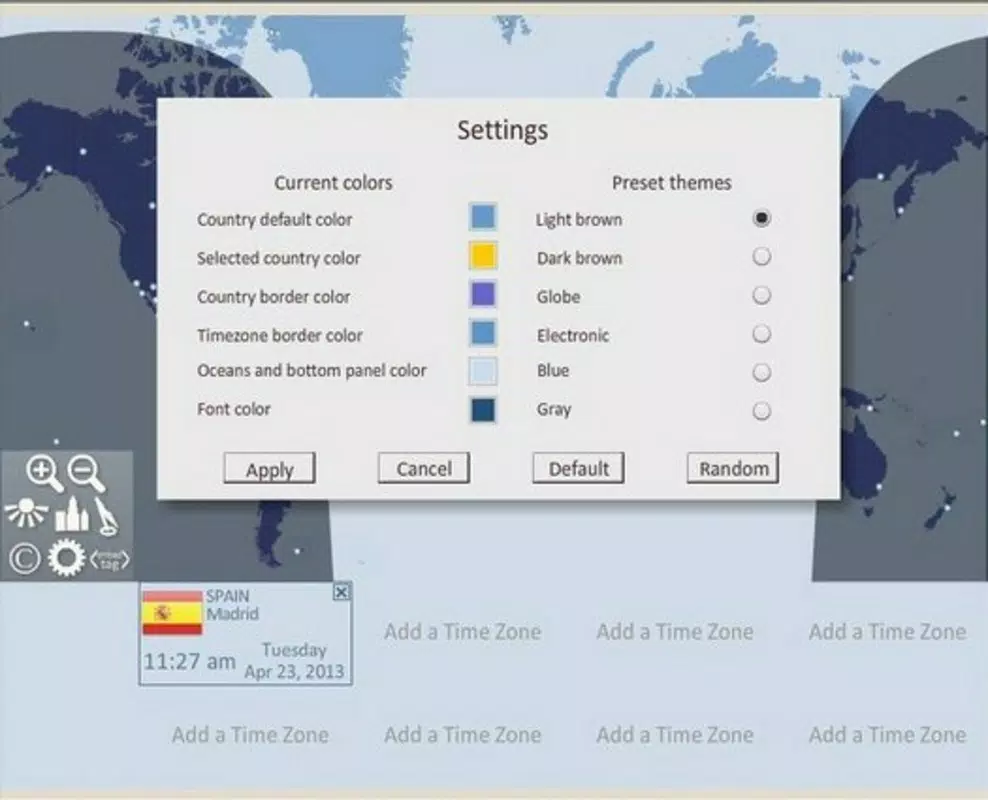
Specific customization options were not listed. The app’s interface appears to be fixed, though users can select different time zones and view them in the main panel.
Final Thoughts
World Clock Portable remains a dependable solution for users needing accurate, real-time time zone information across the globe. Its interactive map, customizable clock features, and portable design make it a practical tool for professionals, educators, and travelers alike. While the lack of updated technical details and platform clarity presents some uncertainty, the app’s core functionality continues to serve its intended purpose effectively.
For those who value simplicity, visual clarity, and cross-device accessibility, this app delivers consistent value. If you're managing international schedules or simply want to stay aware of global time differences, World Clock Portable offers a reliable and intuitive experience. Download World Clock Portable now.


